Best GoPro Settings for Scuba Diving — and for Filming Sharks Properly
The GoPro settings we recommend on our boats, current as of 2026: 4K at 60fps, wide lens (not SuperView), ISO capped at 100–800, shutter on auto, stabilization on, and a red filter between 5 and 20 meters.
Best GoPro Settings for Scuba Diving — and for Filming Sharks Properly
The GoPro settings we recommend on our boats, current as of 2026: 4K at 60fps, wide lens (not SuperView), ISO capped at 100–800, shutter on auto, stabilization on, and a red filter between 5 and 20 meters. That recipe covers 90% of recreational diving. Filming sharks adds three rules that have nothing to do with menus: get low, hold the shot, and let the animal cross your frame — never chase it.
Half the GoPro guides online still reference models from five generations ago. Here's the current, water-tested version — from an island where every second guest has one mounted somewhere.
The core settings (any recent Hero)
Resolution & frame rate: 4K/60. The sweet spot of detail, file sanity and slow-motion headroom — 60fps lets you play a tiger pass at half speed without stutter, which is where shark footage becomes cinematic. Chasing buttery slo-mo? 2.7K/120 for special moments; skip 5K+ underwater — it buys file size, not visible quality, in a light-poor medium.
Lens: Wide. Not SuperView. SuperView's fisheye stretching warps everything at the frame edges — divers become funhouse mirrors. Wide keeps proportions honest and still swallows a four-meter shark at close range. (Linear is for topside; too tight underwater.)
Stabilization: on, always. HyperSmooth is the single biggest upgrade of the modern GoPro era — it makes handheld underwater footage look tripod-shot. Leave it on and let it work.
ISO: cap the max at 800 (min 100). Auto-ISO left unlimited climbs to noisy heights in blue water; capped, it stays clean and lets the natural gloom read as depth instead of grain.
Shutter/exposure: auto, with exposure locked on the scene — tap-and-hold to lock before a pass so the camera stops "breathing" brightness mid-shot. Manual shutter is a rabbit hole GoPros don't reward underwater; spend that attention on positioning.
White balance: auto + a red filter from ~5–20m. GoPros' small sensors lose red hard; a simple red filter restores skin, coral and shark tones in the band where most diving happens. Below ~20m, remove it (too little red left to recover; the filter just steals light) and embrace honest blue. Above 5m, remove it too. Filter discipline is 50% of "wow your footage looks professional."
Filming sharks: the three rules that outrank settings
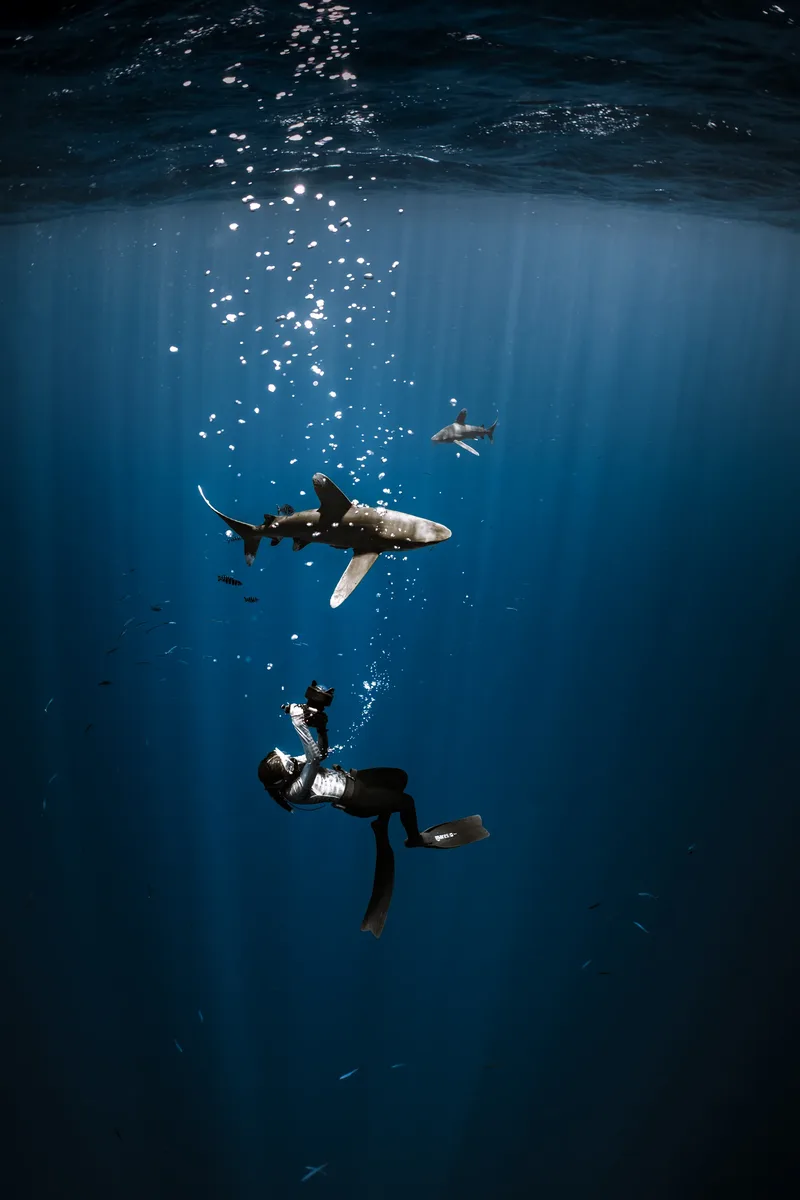
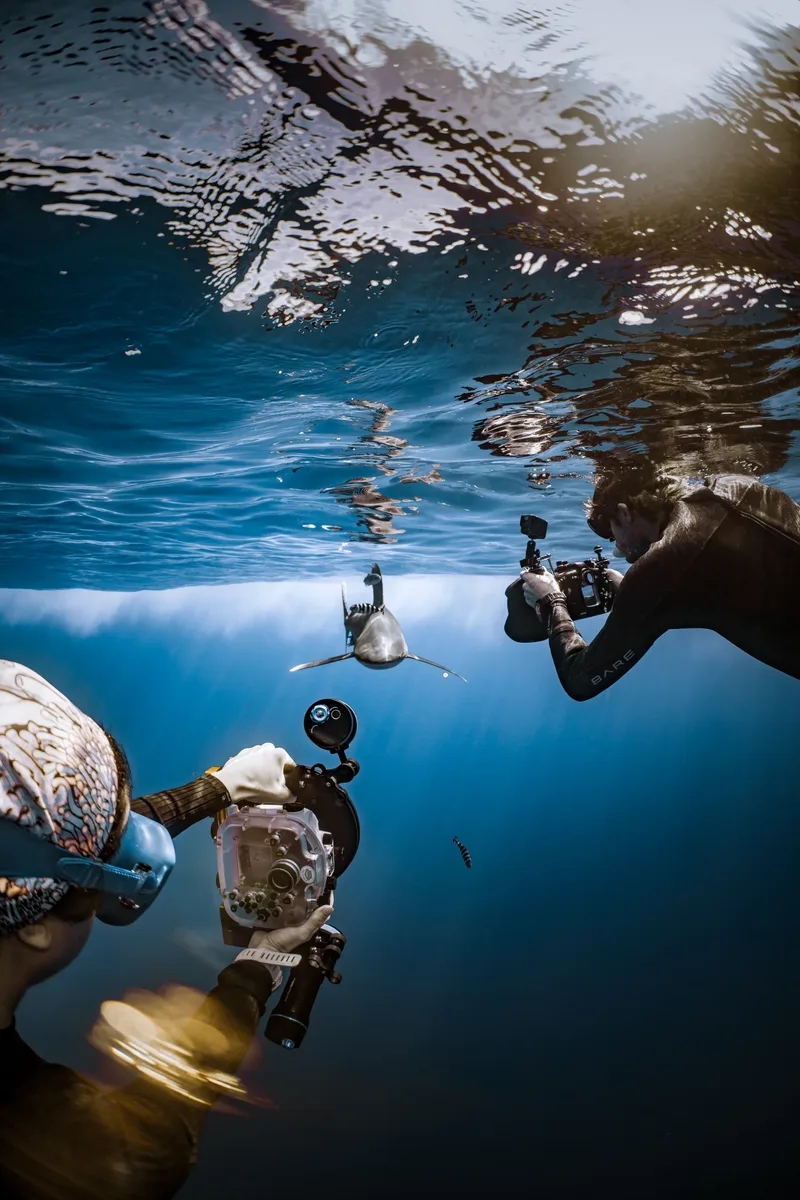
1. Get low, shoot level-to-up. Same law as all underwater photography: a shark filmed from above is surveillance; a shark crossing at eye level against the light is cinema. On the tiger dive you're kneeling on sand at 7 meters — the perfect GoPro theater, already staged.
2. Hold the shot. Longer. No, longer. The universal amateur tell is two-second panning clips of everything. Pick your frame, lock your elbows to your body (or better: let your buoyancy hold you), and let the shark enter, cross and exit the static frame. Ten-second holds edit into films; whip-pans edit into headaches.
3. Never chase — protocol AND cinematography agree. Chasing empties the scene: sharks leave, guides intervene, footage wobbles. The animal that chooses to pass close to a calm diver gives you the clip of the trip. On our dives this isn't optional anyway — the safety choreography comes first, and the beautiful irony is that obeying it produces the best footage.
Mounting: handler/grip beats head-mount for sharks (you can't aim your forehead precisely, and eye-level beats brow-level); chest mounts win for hands-free reef cruising. Whatever you mount: leash it. The ocean collects unleashed GoPros as a hobby.
The honest GoPro limits
Know what the tool can't do, and it stops disappointing you: tiny sensor = weak in dawn-dive gloom (the thresher dive will humble it — cap ISO, embrace moody); no optical zoom = your fins are the zoom (get close, respectfully); stills are serviceable, not spectacular — for photographs that hang on walls, that's a different conversation. As a wide, bright-water storytelling machine at Tiger Harbour? Genuinely hard to beat per gram and per dollar.
No camera at all? Rent one from us ($120), or book a photo package (from $200) and dive empty-handed while a pro shoots your week.
FAQ
What are the best GoPro settings for scuba diving, short version? 4K/60, Wide lens, HyperSmooth on, ISO max 800, auto shutter with exposure lock, red filter 5–20m, leash attached. Done.
Do I really need a red filter? In the 5–20m band, it's the difference between grey-blue footage and footage with life in it. Below 20m take it off. It's the best $25 in your dive bag.
How do I film tiger sharks with a GoPro safely? Follow the dive protocol exactly — low, calm, in formation — and film from within it. The rules that keep the dive safe are the same ones that produce the footage you came for.
GoPro or a real camera for a Fuvahmulah trip? GoPro for video memories and ease; interchangeable-lens rigs for stills ambitions. Plenty of guests run both: GoPro mounted, camera in hand. (And mentorship guests are welcome with either.)
Want your GoPro clips reviewed by a professional the same evening you shot them? That happens here weekly. Bring the little camera — leave with big footage. Plan your trip →
Sina Ritter is a multi-award-winning underwater photographer, SSI Photo & Video instructor, and co-founder of Liquid Shark Divers Fuvahmulah. Yes, she owns a GoPro too. Meet the team →